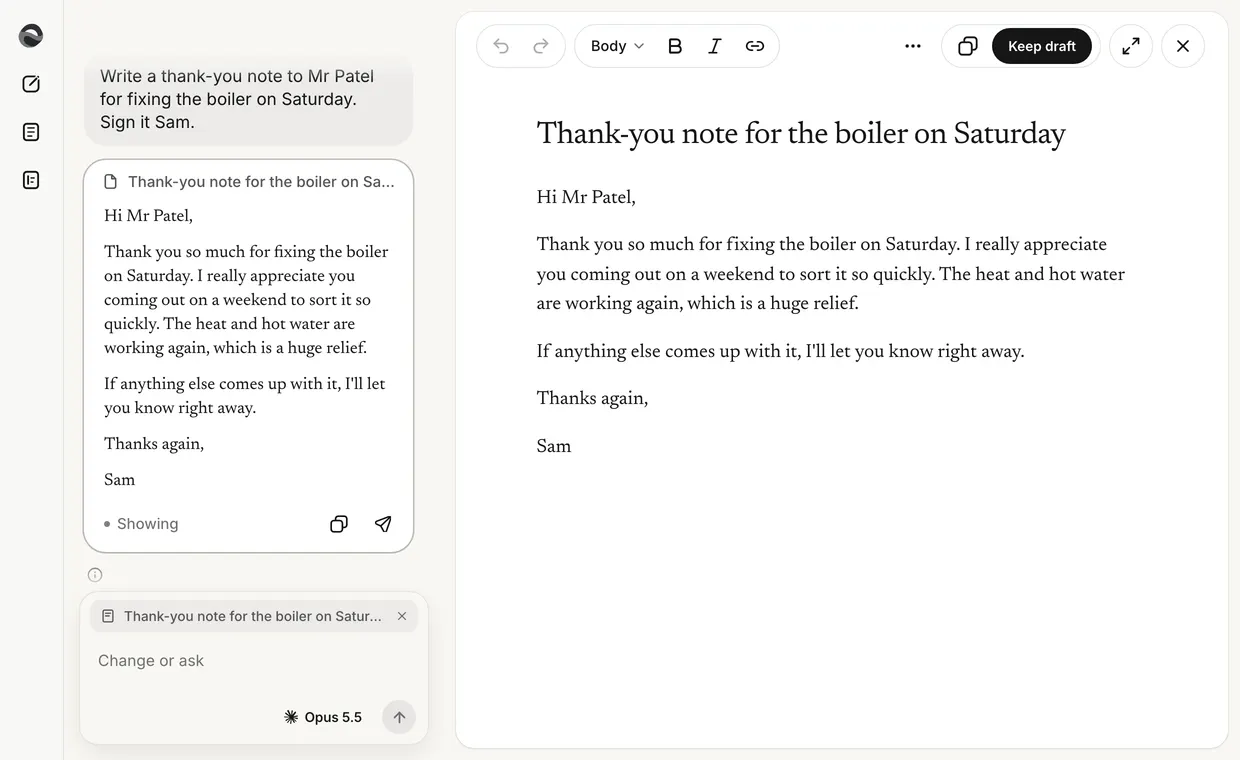
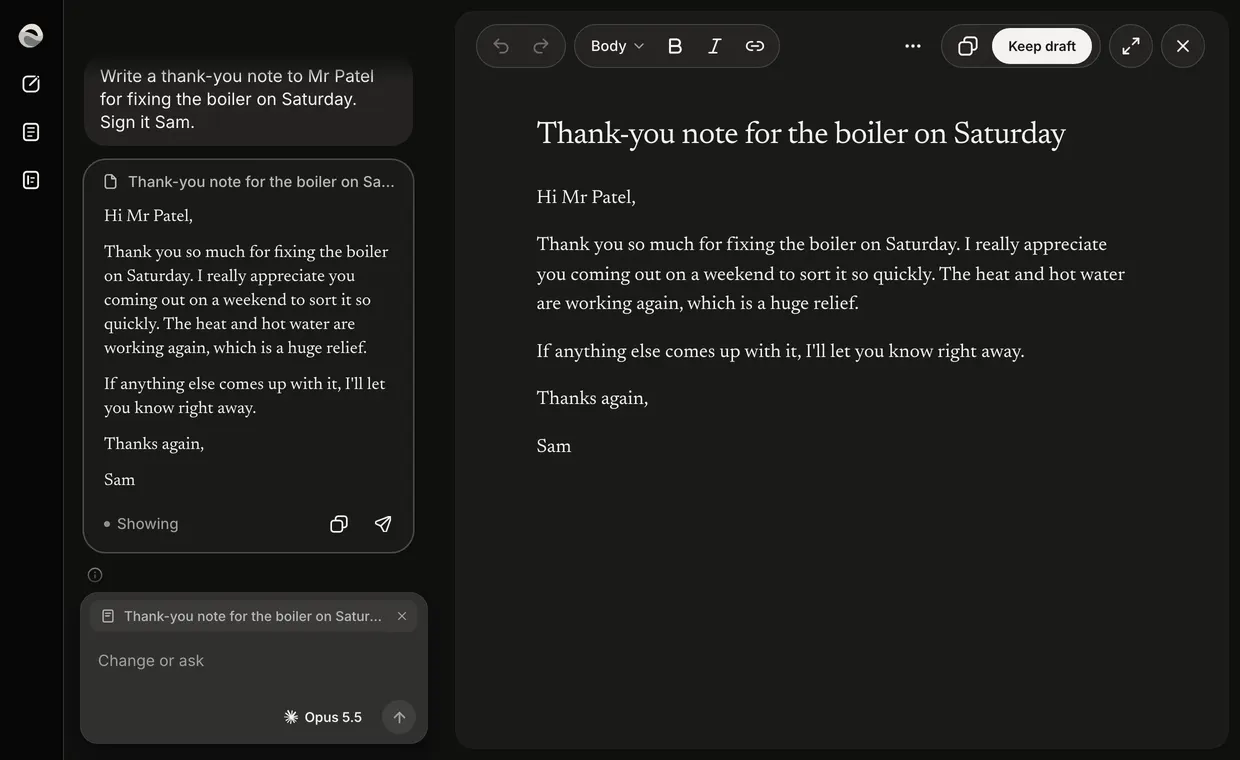
The chat and the paper
A draft opens on the paper, beside the chat that made it. You talk to Revise in the chat's bar. The paper is where the words change.
- Adjust a passage
- Select a sentence or a passage on the paper. Adjust (⌘J) and Ask about this appear under it. Press Adjust and a field opens at the passage. Say what should change and press Enter. The passage shimmers while Revise works, and nothing else on the paper moves.
- It lands in place
- The new words land on exactly that passage, washed, with Changed and Undo beside them. If you edit the passage while Revise works, nothing is applied and the field says so. Select it again and Adjust it.
- One record in the chat
- Every change leaves one line in the chat, under what you asked: Changed on the paper for a passage, Changed your draft for the whole draft. Show brings the change into view. Undo takes it back while it is the newest change. The draft is never copied into the chat.
- Pick the writer
- The pill in the bar names who writes, such as Quick or Opus 5.5. Press it and it opens into three stops in its place: Quick, Reasoning and Best, each named by the writer that runs it. A line by the bar says what the stop under the pointer does. Pick one and it closes. Writes with on that line picks Claude or GPT for Reasoning.
Starting a draft
On the home, ask for what you need, such as a thank-you note to Mr Patel. The draft lands in the chat as a card. Open puts it on the paper beside the chat, and the card reads Showing. Or press Or start on a blank page under the bar and write it yourself: the page is saved at its first word. Ask for a draft walks it through.
On a phone
In a narrow window the chat and the paper take turns: Chat and Draft at the head switch between them. Adjust works on Draft. Ask about this goes back to Chat with the passage quoted. Write on your phone walks it through.
Saving
Revise saves as you type. The paper's ⋯ says so at its top: the word count, then Saved.