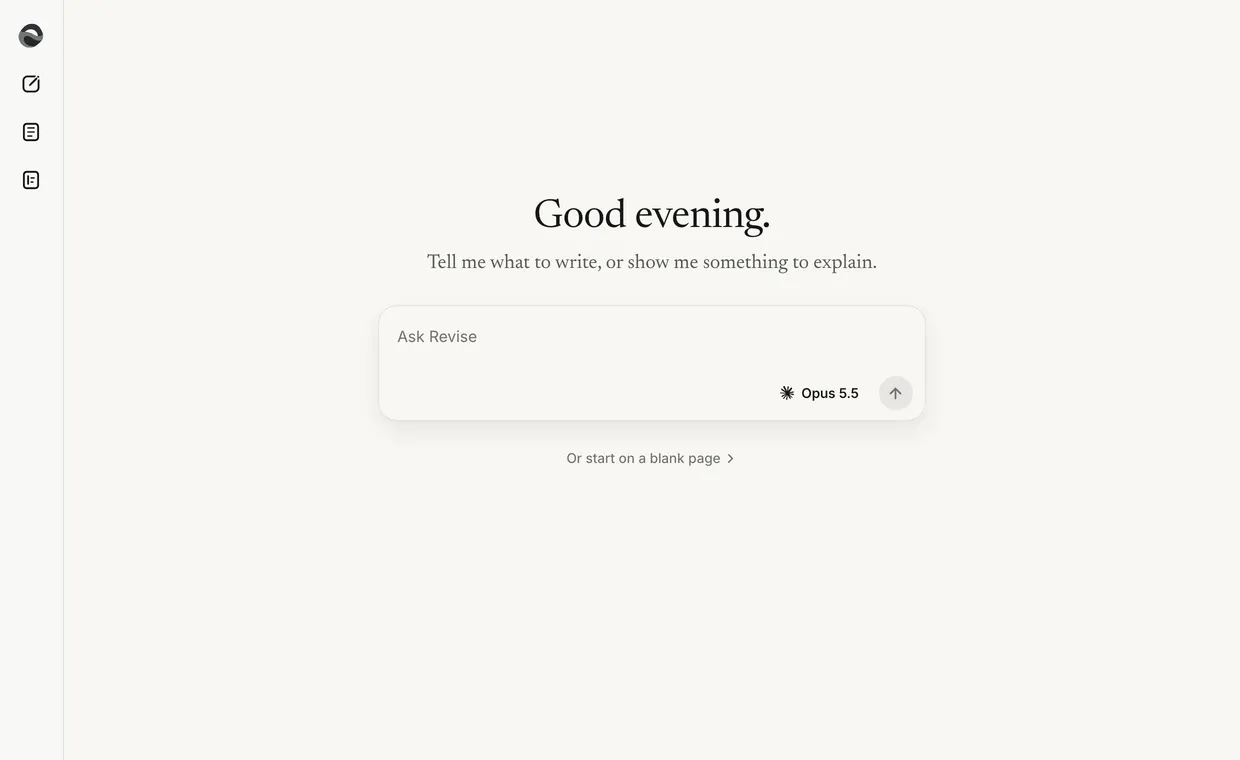
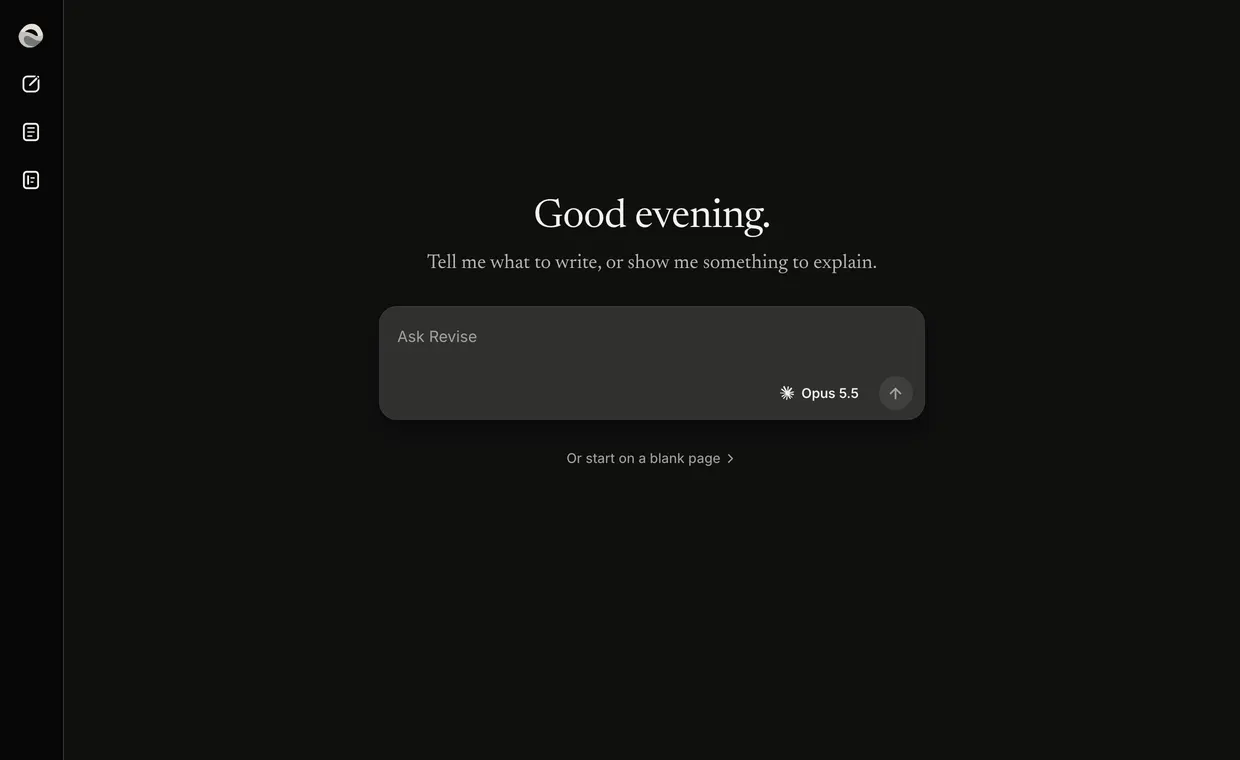
Ask on the home
The home greets you over the bar. Say what you need in your own words and send it.
- The ask
- Say what the piece is for and who it goes to, such as a thank-you note to Mr Patel for fixing the boiler on Saturday, signed Sam. Press Enter or Send. Revise answers, asks you something first, or writes the draft.
- The draft card
- While it writes, the chat says Writing your draft. The draft lands as a card in the chat with Open. Open puts it on the paper beside the chat, and the card reads Showing while it is there. Open on another card swaps the paper.
- Sources
- The + in the bar adds material for the writer to read with your ask: Upload a file, Paste text, This draft, From Drafts or From Sources.
- The writer
- The pill in the bar names who writes. Press it and it opens into Quick, Reasoning and Best, and a line by the bar says what each one does. Best is off while sources are attached.
- A blank page
- Under the bar on the home, Or start on a blank page opens an empty paper. It is saved at its first word. A page you leave with no title and no words is never saved.
After it lands
Change it
Select words and press Adjust, or ask in the bar for a change to the whole draft. The whole draft, or a question.Find it again
Every draft is in Drafts, in the sidebar. Its chat is in the sidebar's list, newest first.Send it
Copy and Send sit at the top right of the paper. Send's Download gives you Word, PDF, Markdown or Plain text.