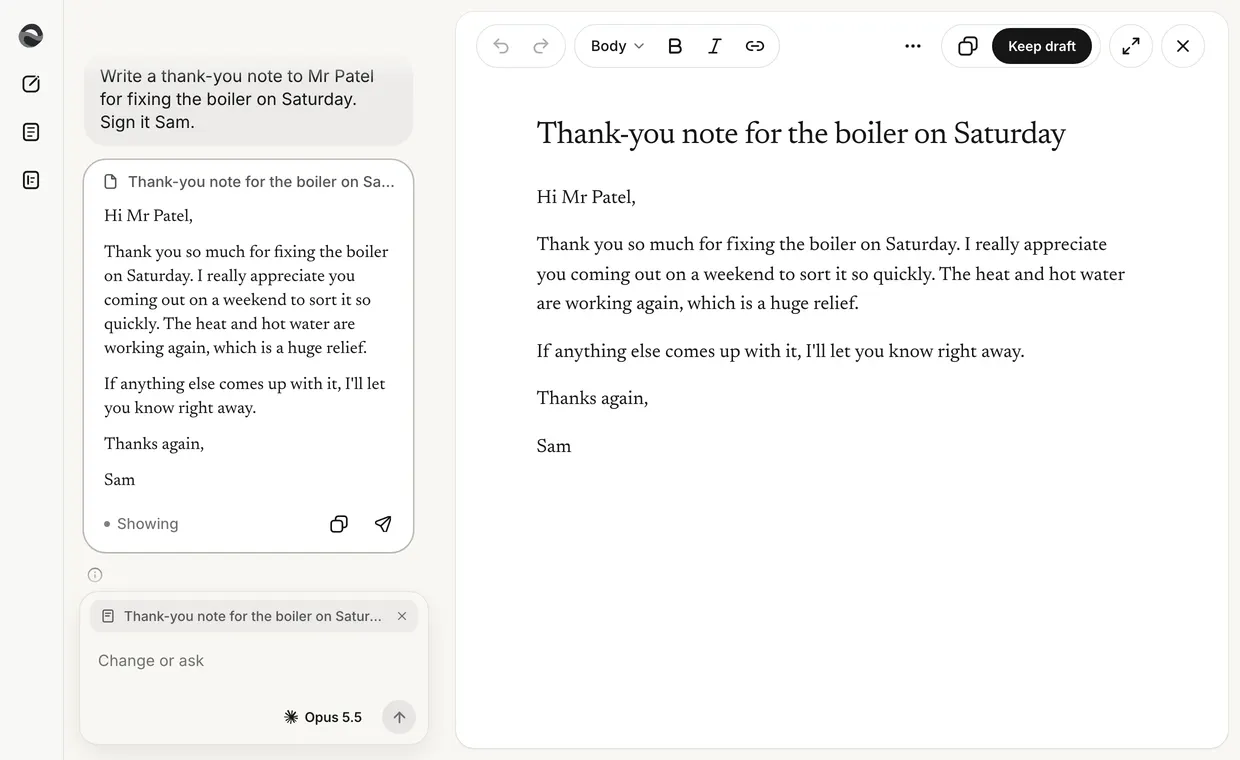
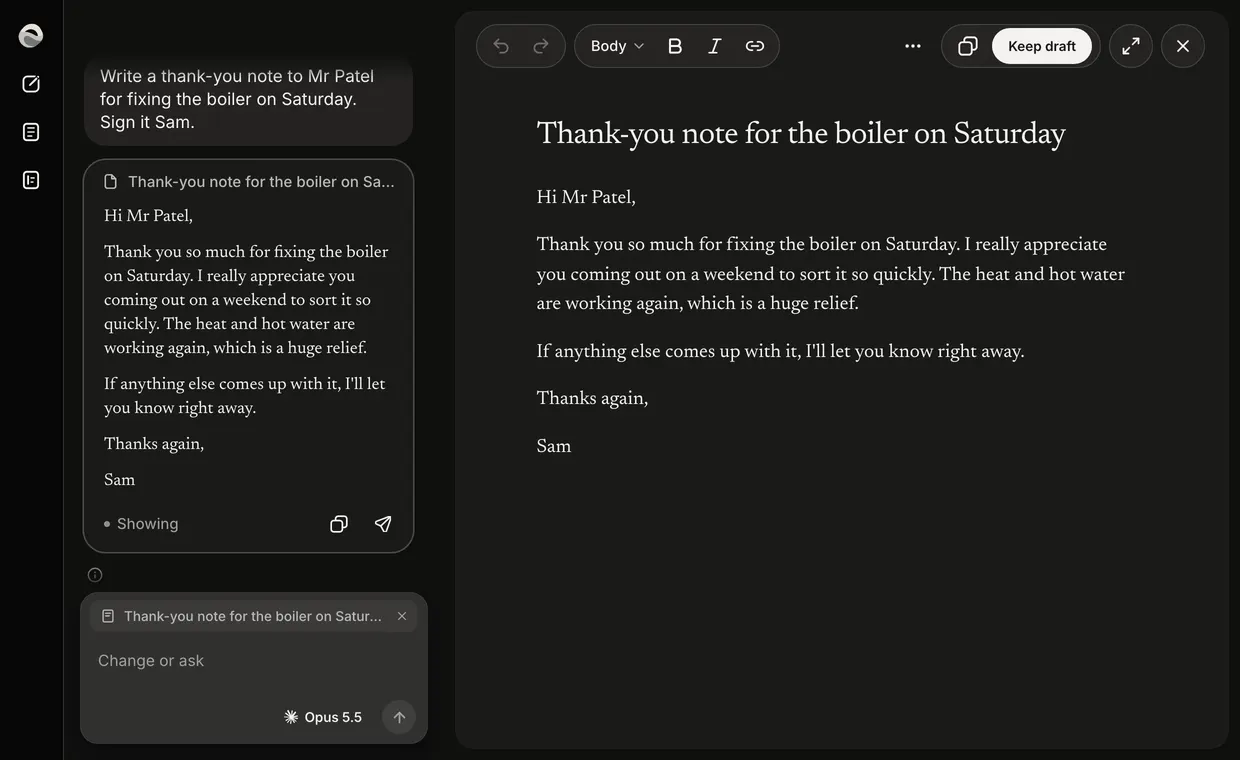
The draft is in the bar
With a draft open beside the chat, the chat's bar carries the draft's title as a row, and the field reads Change or ask. What you send goes to that draft.
- Change all of it
- Say what should change: shorter, warmer, a different sign-off. Send it. The paper shimmers while Revise works, then the new words land on it, washed where they changed. The chat keeps one line: Changed your draft · Show · Undo.
- Ask about one part
- Select a passage on the paper and press Ask about this. It goes to the bar as a quote, and the field reads Ask about this passage. Ask your question and send. The answer lands in the chat, and the paper doesn't move.
- Ask about all of it
- Ask a question about the draft, such as whether anything is missing. Revise answers in the chat when you asked a question and changes the paper when you asked for a change.
- Leave the draft out
- The × on the draft's row takes it off the bar. The field reads Ask Revise, and nothing you send touches the paper.